#SCCM
-
Sep 3, 2021
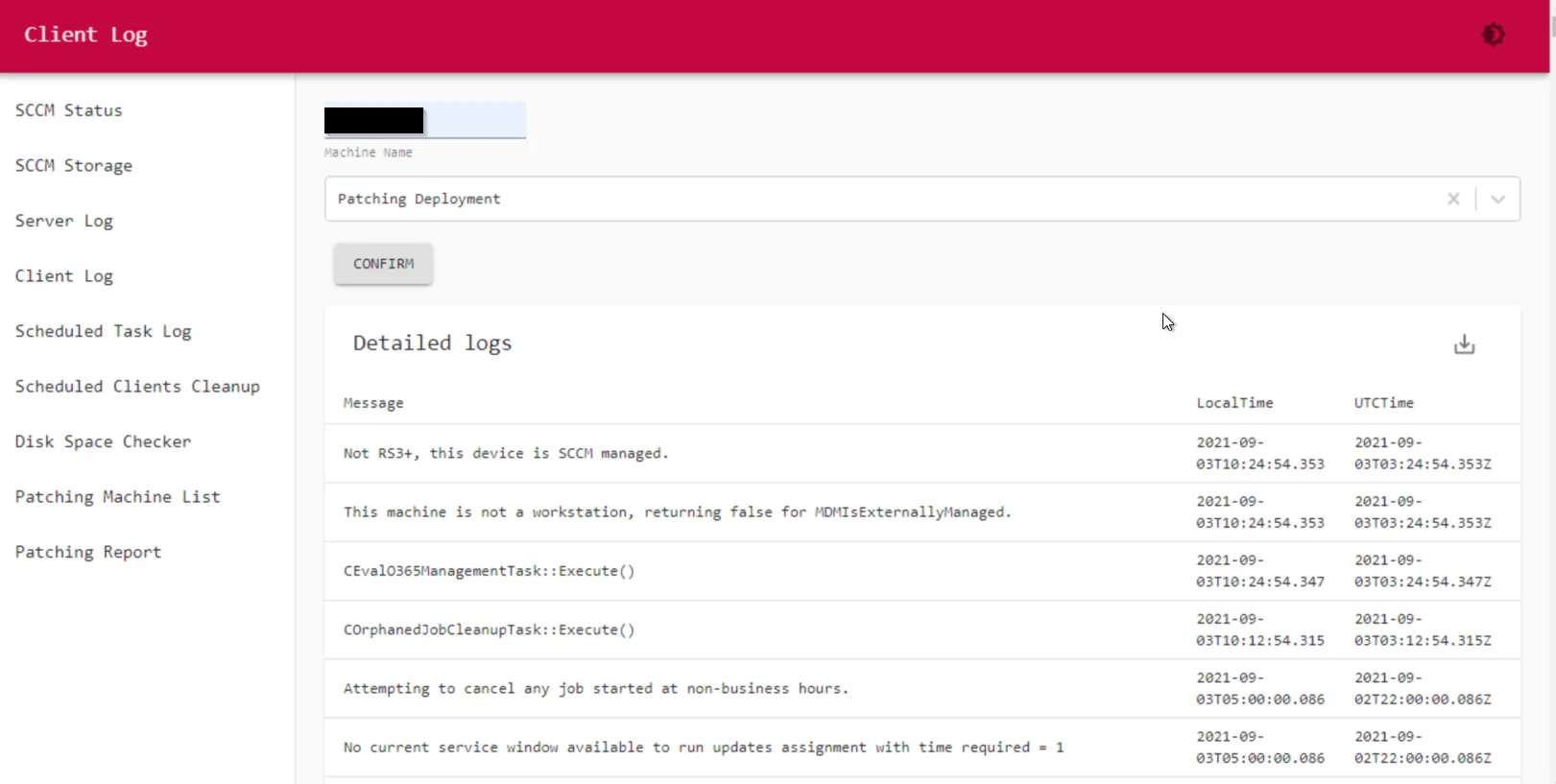
Online SCCM Client Log Viewer
This is one of my favorite code to run client log viewer online in an interactive way. Instead of use the CMTrace to see the client log, going through all the hoops, you can just type in client name...
-
Sep 3, 2021
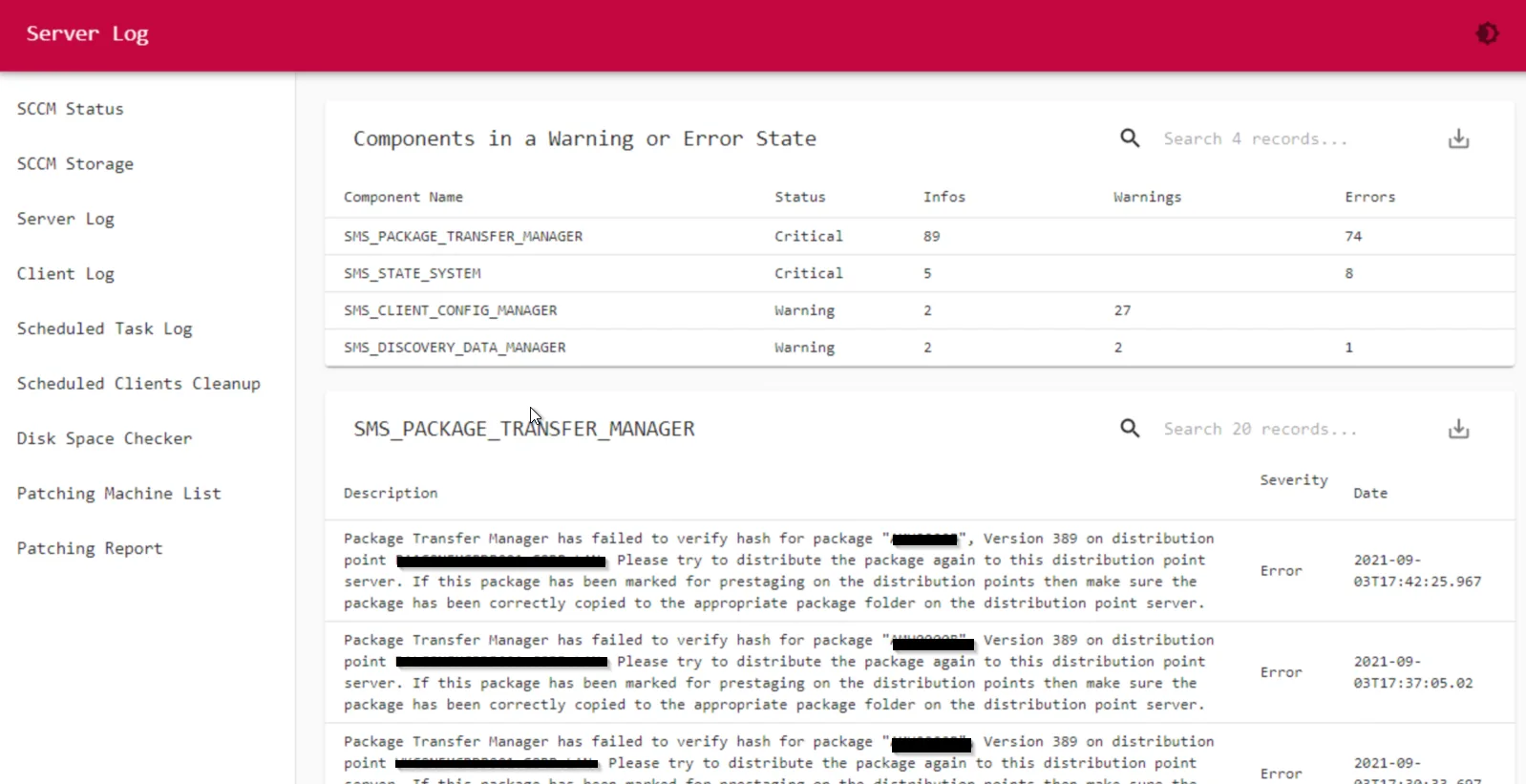
SCCM Component Log Viewer
This page will show all the detailed SCCM component logs if they are on warning or critical status. It requires PowerShell Universal to display the data on the website. ( You can also just use the...
-
Sep 3, 2021
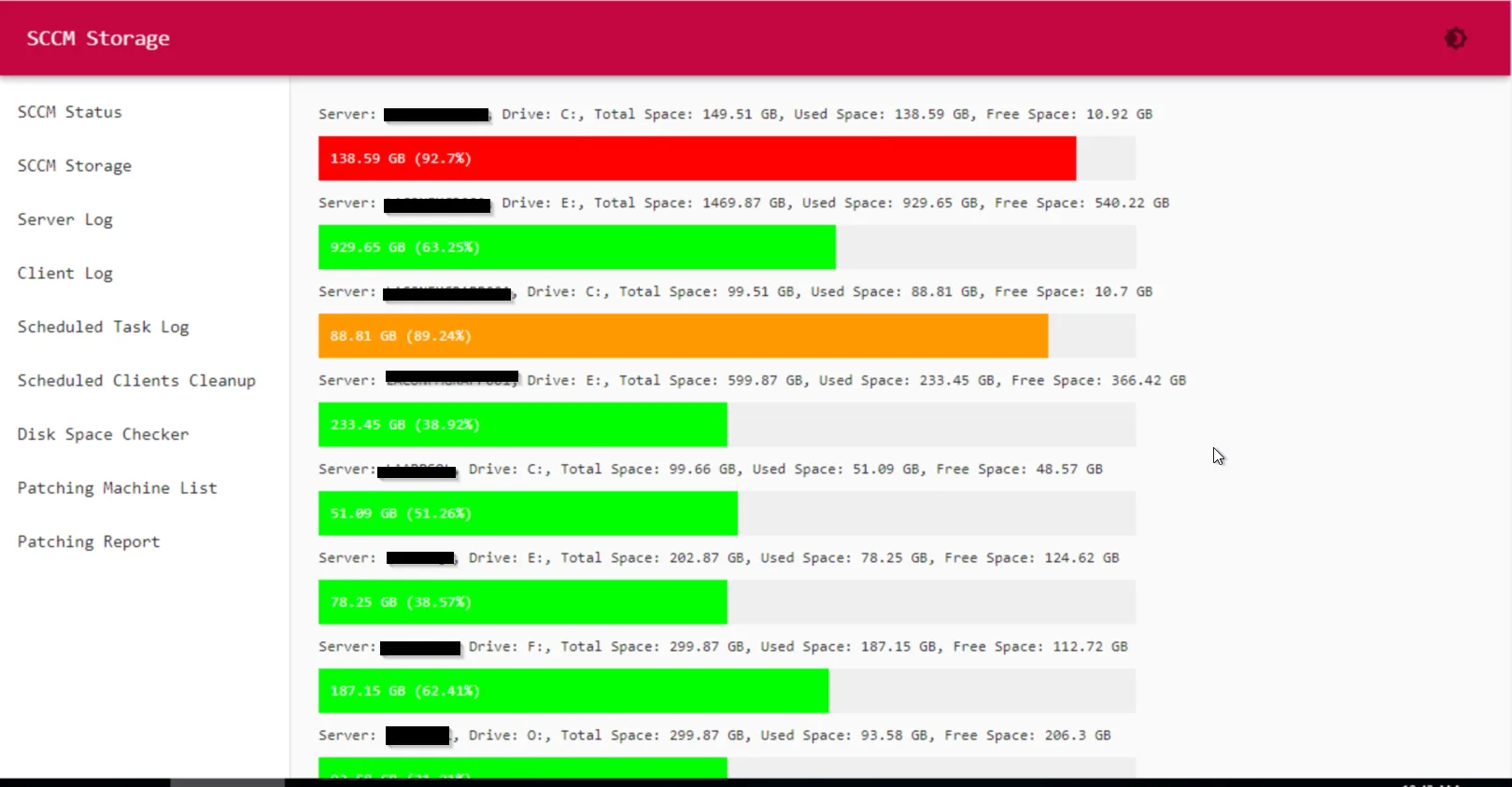
SCCM Server Storage Report
This page will show all the disk space info from all the SCCM servers. You just need to specify all the sccm servers you have in the parameters part in the PowerShell script. It will auto search all...
-
Sep 3, 2021
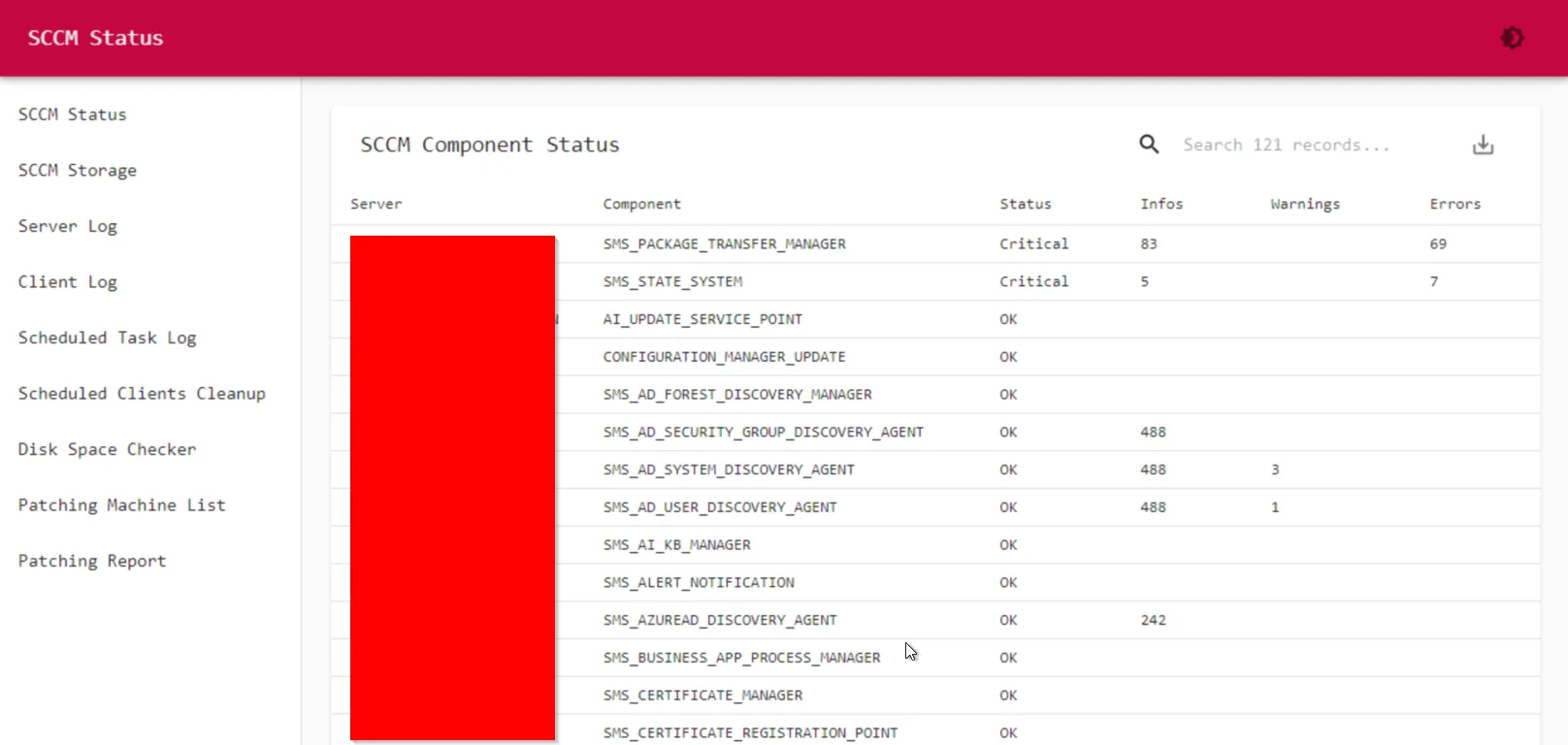
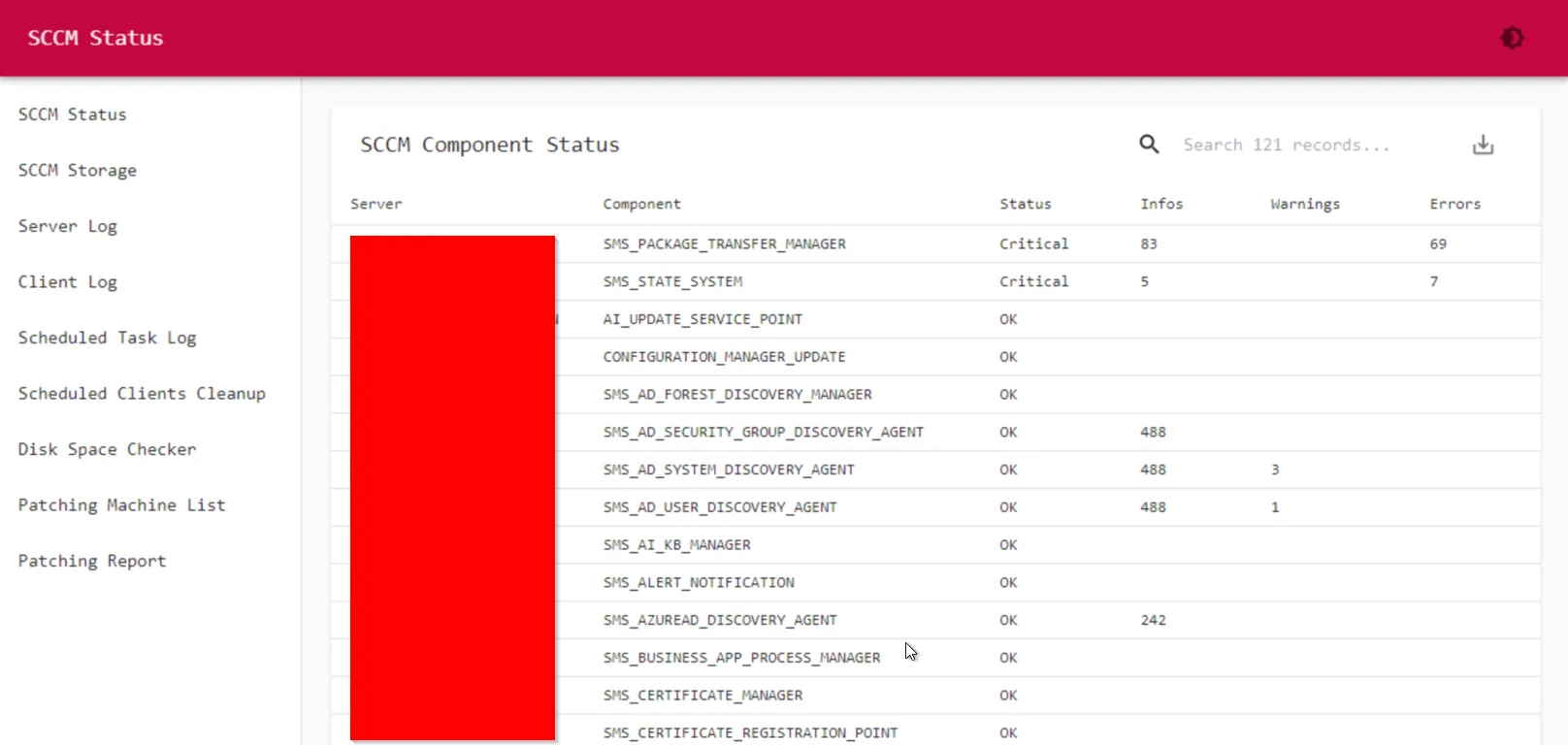
Overall SCCM Component Status
This page is to show all the SCCM component status.
-
Sep 3, 2021
Preventative SCCM Monitor and Troubleshoot Website
As a SCCM admin, you might have to check SCCM health on a regular basis, and troubleshoot lots of client issues. Normally I have to UNC into the client machine, goes into C:\Windows\CCM\Logs, and...
-
Sep 1, 2021
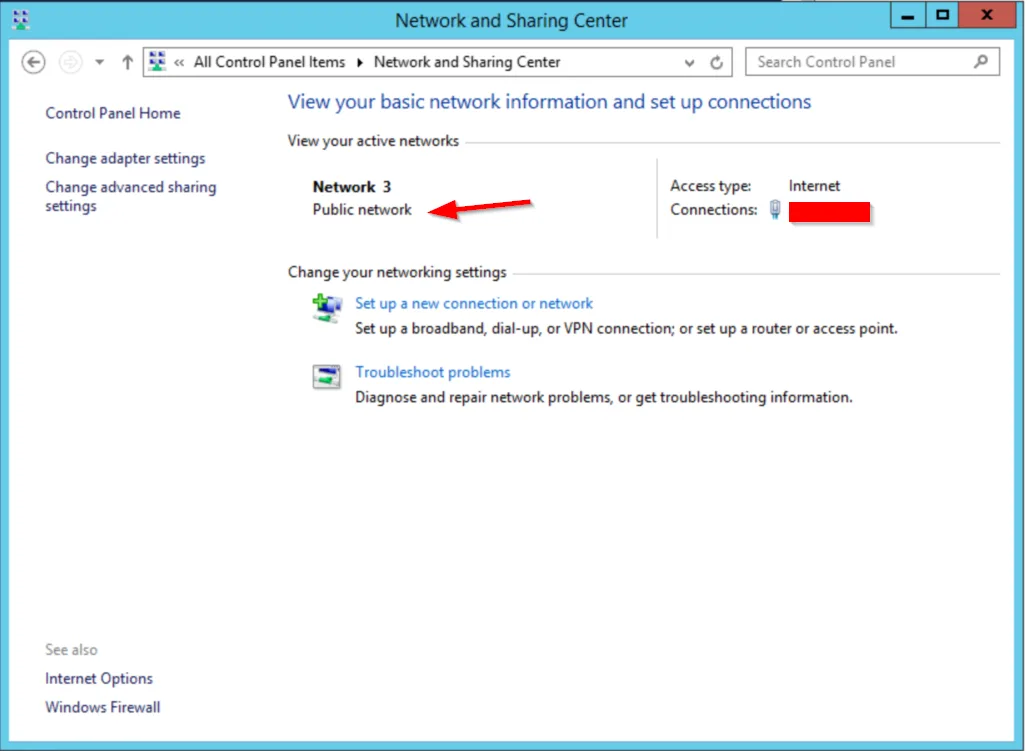
How to find Network Connection Profile via SCCM
If you need to find out the "domain/public/private" network connection profile on each machine, you need to set a custom hardware inventory class from SCCM. This class is called MSFT\...
-
Jul 21, 2021
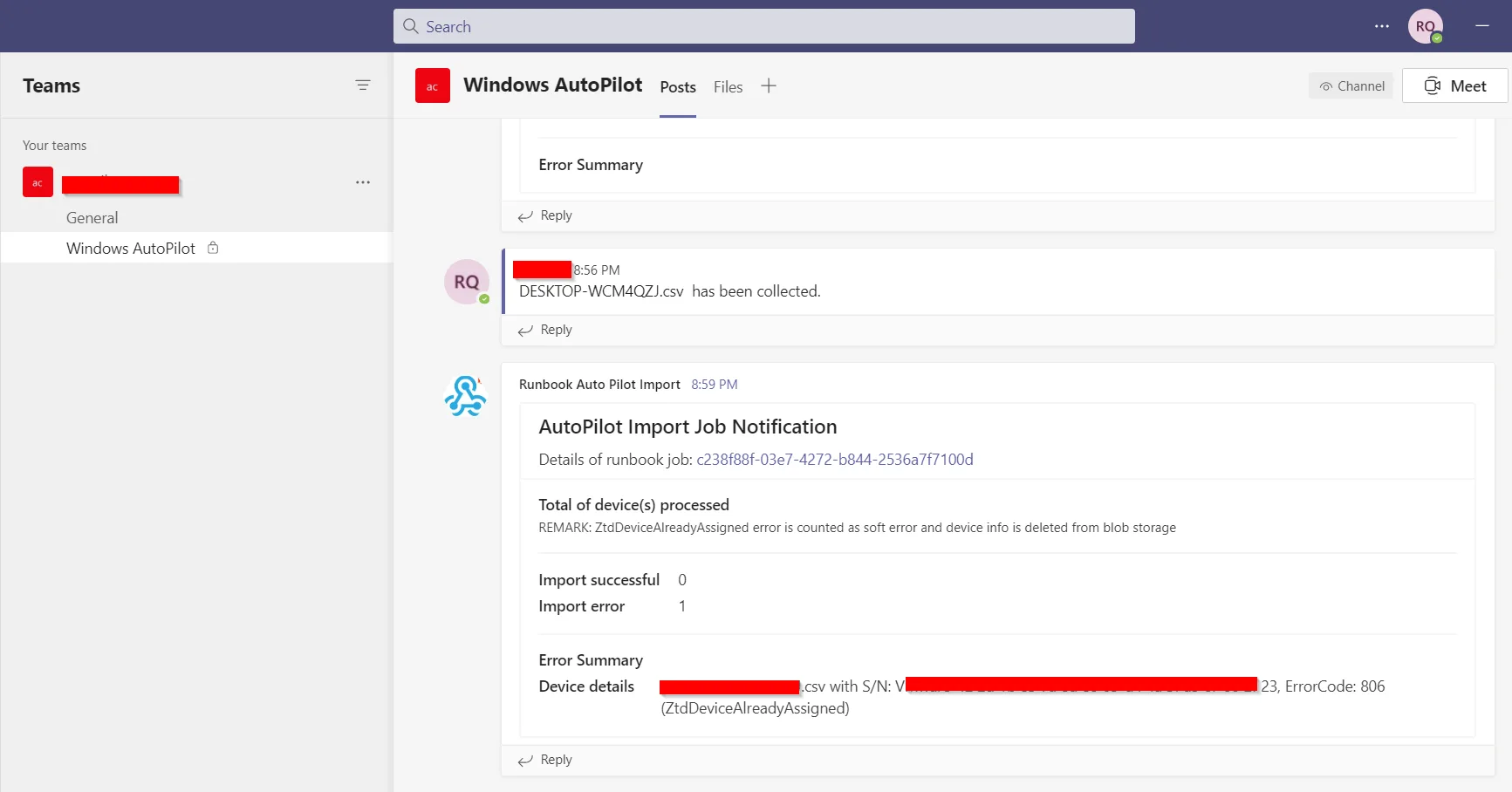
Powershell Script to Auto Upload and Process Autopilot 4k Hardware Info
It was quite a journey setting up autopilot, and I have wrote a powershell script to get the autopilot 4k hardware info from the user machine, upload to Azure blob storage, and then using runbook to...
-
Apr 30, 2021
How to Create SCCM Application for Rapid7 Insight Agent
Rapid7 Insight agent is not an easy application to pack via SCCM :) For detection rule, I have tried a few times, and here is the working one: (If you tried to use file detection rule, even if...
-
Apr 29, 2021
SCCM Detection Rule for Google Drive File Stream
So it is a bit of mess for Google Drive File Stream as every time it does the self upgrade, it keeps the existing folder and create a new folder for each version. And SCCM doesn't like this at all....