Powershell Script to Auto Upload and Process Autopilot 4k Hardware Info
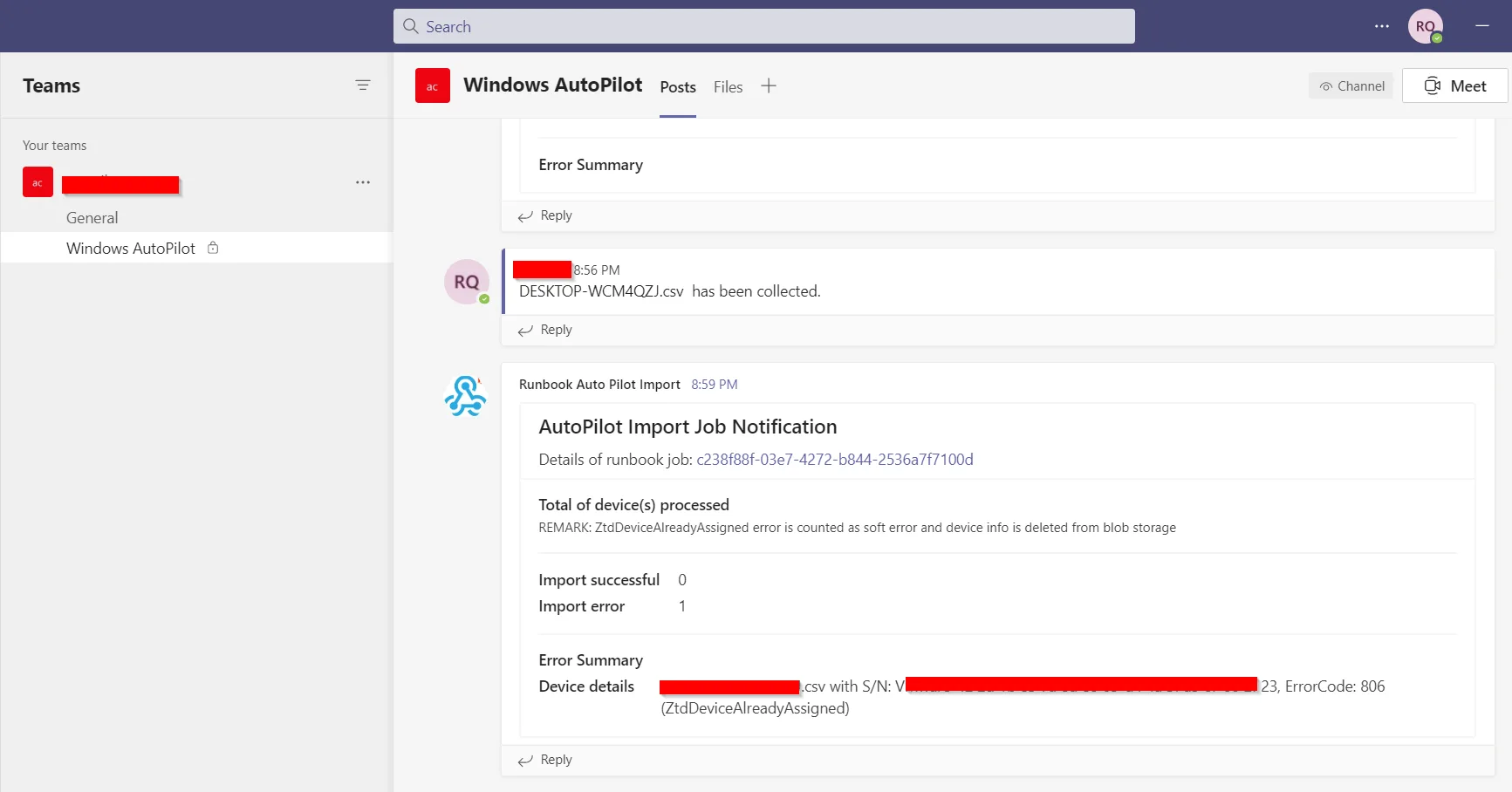
It was quite a journey setting up autopilot, and I have wrote a powershell script to get the autopilot 4k hardware info from the user machine, upload to Azure blob storage, and then using runbook to get them uploaded to Intune. Here is my script:
Auto Pilot Hardware 4k Hash Upload
Rui Qiu
7/19/2021
Version 1.0
Reference:https://oliverkieselbach.com/2018/07/17/automation-of-gathering-and-importing-windows-autopilot-information/
Reference:https://www.powershellgallery.com/packages/Get-WindowsAutoPilotInfo/3.3
Setting Up Parameters
$containerUrl = “https://xxx.blob.core.windows.net” $blobStorageResources = “resources” $blobStorageHashes = “hashes” $sasToken = “?sv=xxx” $pcname = “$env:computername.csv” $path = “C:\Windows\temp\AutoPilotScript” $pc = Join-Path $path $pcname $autopilot = Join-Path $path “Get-WindowsAutoPilotInfo.ps1” $azcopy = Join-Path $path “azcopy.exe” New-Item -Path $path -ItemType Directory -Force
Get the AutoPilot information
$serial = (Get-CimInstance -Class Win32_BIOS).SerialNumber $devDetail = (Get-CimInstance -Namespace root/cimv2/mdm/dmmap -Class MDM_DevDetail_Ext01 -Filter “InstanceID=‘Ext’ AND ParentID=’./DevDetail’”) $hash = $devDetail.DeviceHardwareData $cs = Get-CimInstance -Class Win32_ComputerSystem $make = $cs.Manufacturer.Trim() $model = $cs.Model.Trim() $result = New-Object psobject -Property @{ “Device Serial Number” = $serial “Windows Product ID” = $product “Hardware Hash” = $hash “Manufacturer name” = $make “Device model” = $model } $result | Select “Device Serial Number”, “Windows Product ID”, “Hardware Hash”, “Manufacturer name”, “Device model” | ConvertTo-CSV -NoTypeInformation | % {$_ -replace ’”’,”} | Out-File $pc
Upload the file to Azure
if (-not (Test-Path $azcopy)) {
download and unzip azcopy from BlobStorage
Start-BitsTransfer -Source “$containerUrl/$blobStorageResources/azcopy.zip” -Destination $path Add-Type -assembly “system.io.compression.filesystem” [io.compression.zipfile]::ExtractToDirectory($(Join-Path $path “azcopy.zip”), $path) }
Copy the hash information to the Blob Storage
$des = “$containerUrl/$blobStorageHashes/$sasToken” & $azcopy cp $pc $des Some References: Hybrid Join https://docs.microsoft.com/en-us/mem/autopilot/windows-autopilot-hybrid https://morethanpatches.com/2020/06/24/autopilot-intune-connector-for-active-directory/ https://www.imab.dk/how-to-join-windows-autopilot-devices-to-on-premise-ad-active-directory/ https://www.thelazyadministrator.com/2020/01/16/configure-autopilot-hybrid-azure-ad-and-adds-domain-join/ AutoPilot Hardward ID https://oliverkieselbach.com/2017/11/16/gather-windows-10-autopilot-info-in-azure-blob-storage-during-wipe-and-reload/ https://oliverkieselbach.com/2018/07/17/automation-of-gathering-and-importing-windows-autopilot-information/ Troubleshot AutoPilot https://oofhours.com/2020/07/26/supercharge-the-hybrid-azure-ad-join-device-registration-process/ https://stardestroyer.xyz/autopilot-errors/ Troubleshoot Powershell running in Intune https://oliverkieselbach.com/2018/02/12/part-2-deep-dive-microsoft-intune-management-extension-powershell-scripts/ Intune Logs https://smsagent.blog/2018/09/20/intune-client-side-logs-in-windows-10/ Intune: What is Retire / Wipe / Delete / Fresh Start / Autopilot Reset https://karstenkleinschmidt.de/2020/09/09/intune-what-is-retire-wipe-delete-fresh-start-autopilot-reset/ Azure Logic Apps Pricing https://azure.microsoft.com/en-us/pricing/details/logic-apps/ Using Log Analytics to Generate Alerts for Each New Intune Device Enrollment https://gregramsey.net/2020/03/20/using-log-analytics-to-generate-alerts-for-each-new-intune-device-enrollment/ Running exe via Powershell https://social.technet.microsoft.com/wiki/contents/articles/7703.powershell-running-executables.aspx