#PowershellUniversal
9 posts
-
Sep 3, 2021
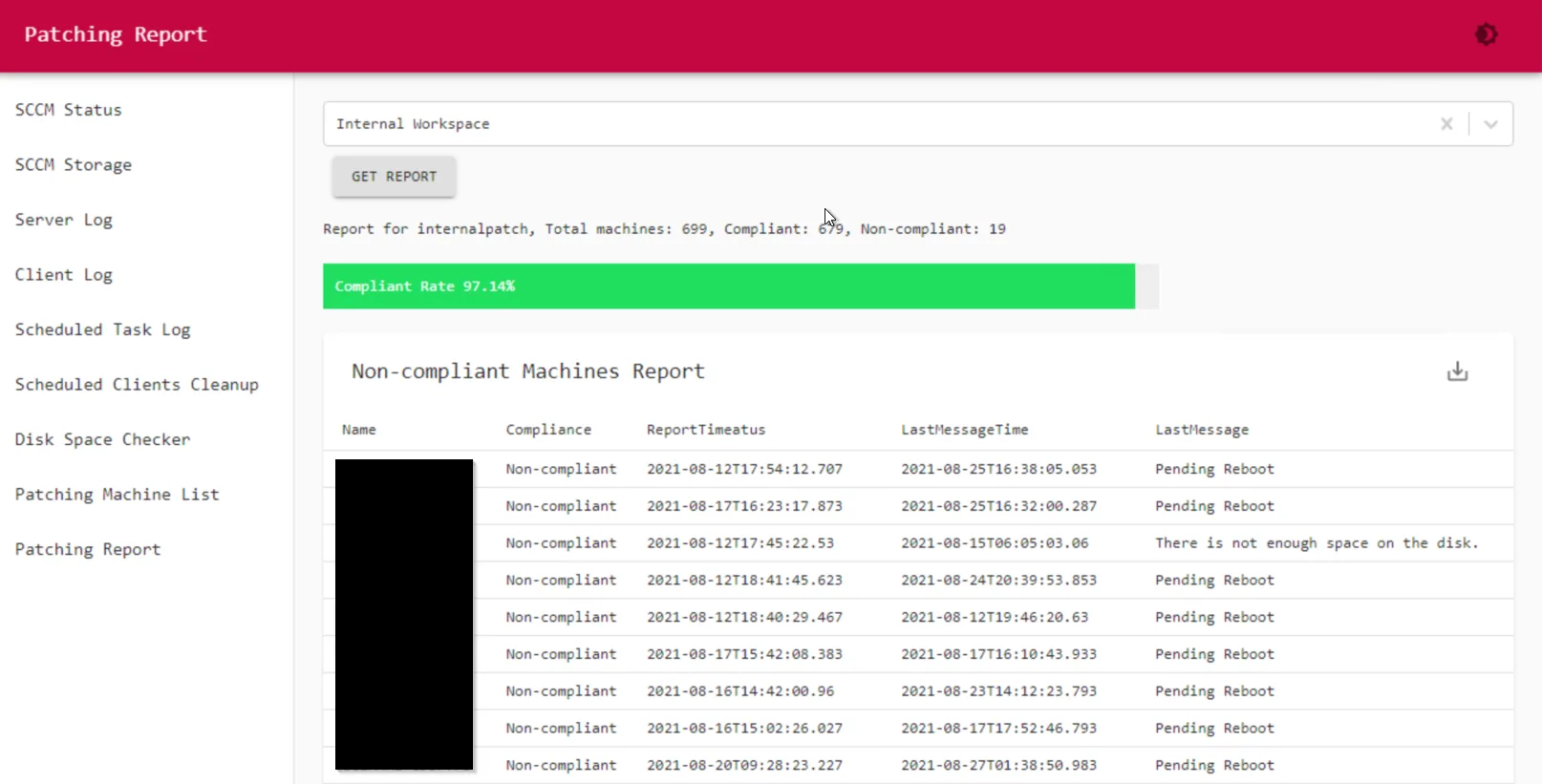
Detailed SCCM Patching Report via Powershell Universal & HTML
This interactive Powershell SCCM Patching Report will show the overall compliance rate in a bar graphic, and then list the all non compliance machine with detailed failure reasons. '$Session:value
-
Sep 3, 2021
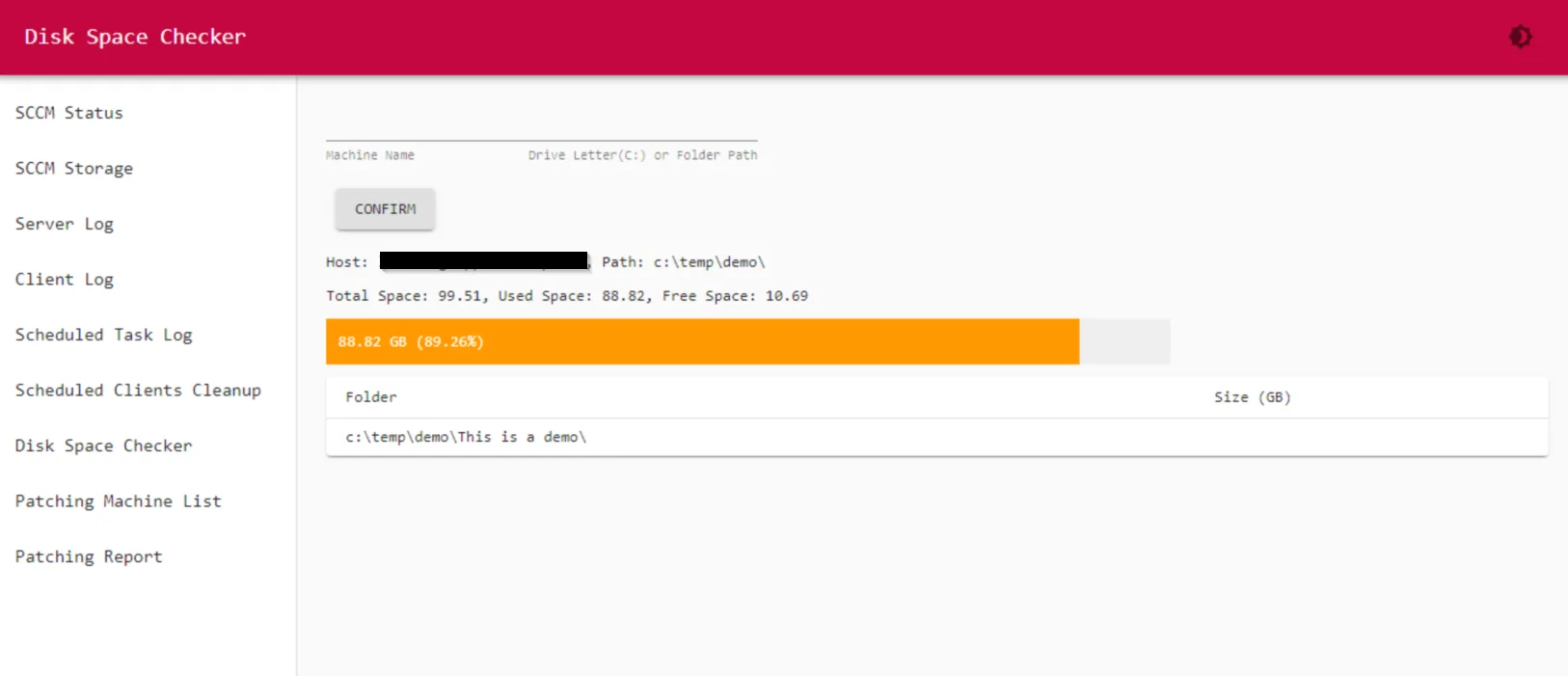
Diskspace Checker via Powershell Universal and HTML
This online tool will show the diskspace of a computer you specified. It is using PowerShell Universal as web server and HTML code to show the graphic bar. It has the disk capacity, free space and...
-
Sep 3, 2021
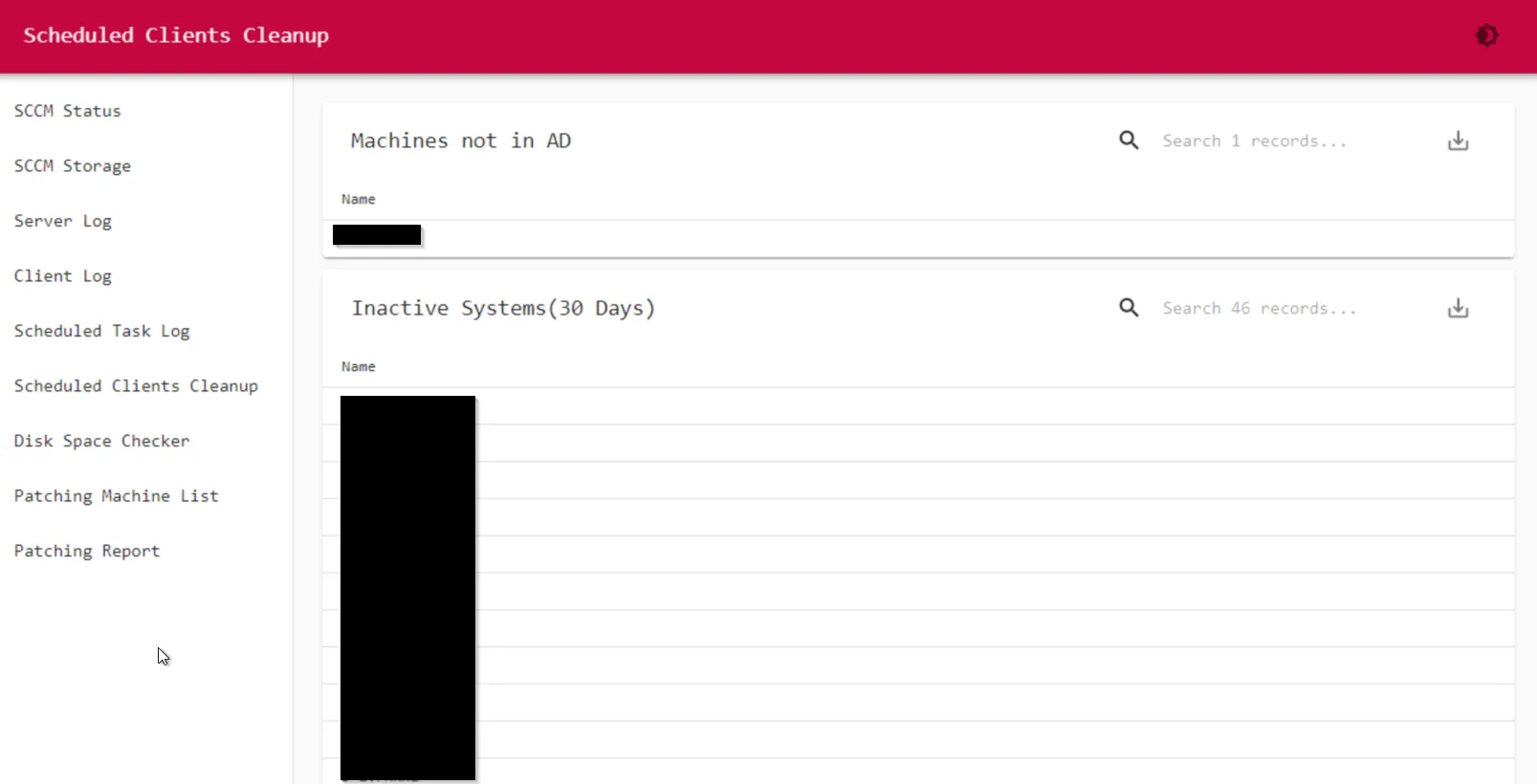
SCCM Clients Cleanup
I run this monthly to clean up staled sccm clients. There are 3 parts: Computer Objects no longer in AD but still in SCCM; Inactive clients ( over 30 days, defined inside SCCM collection query);...
-
Sep 3, 2021
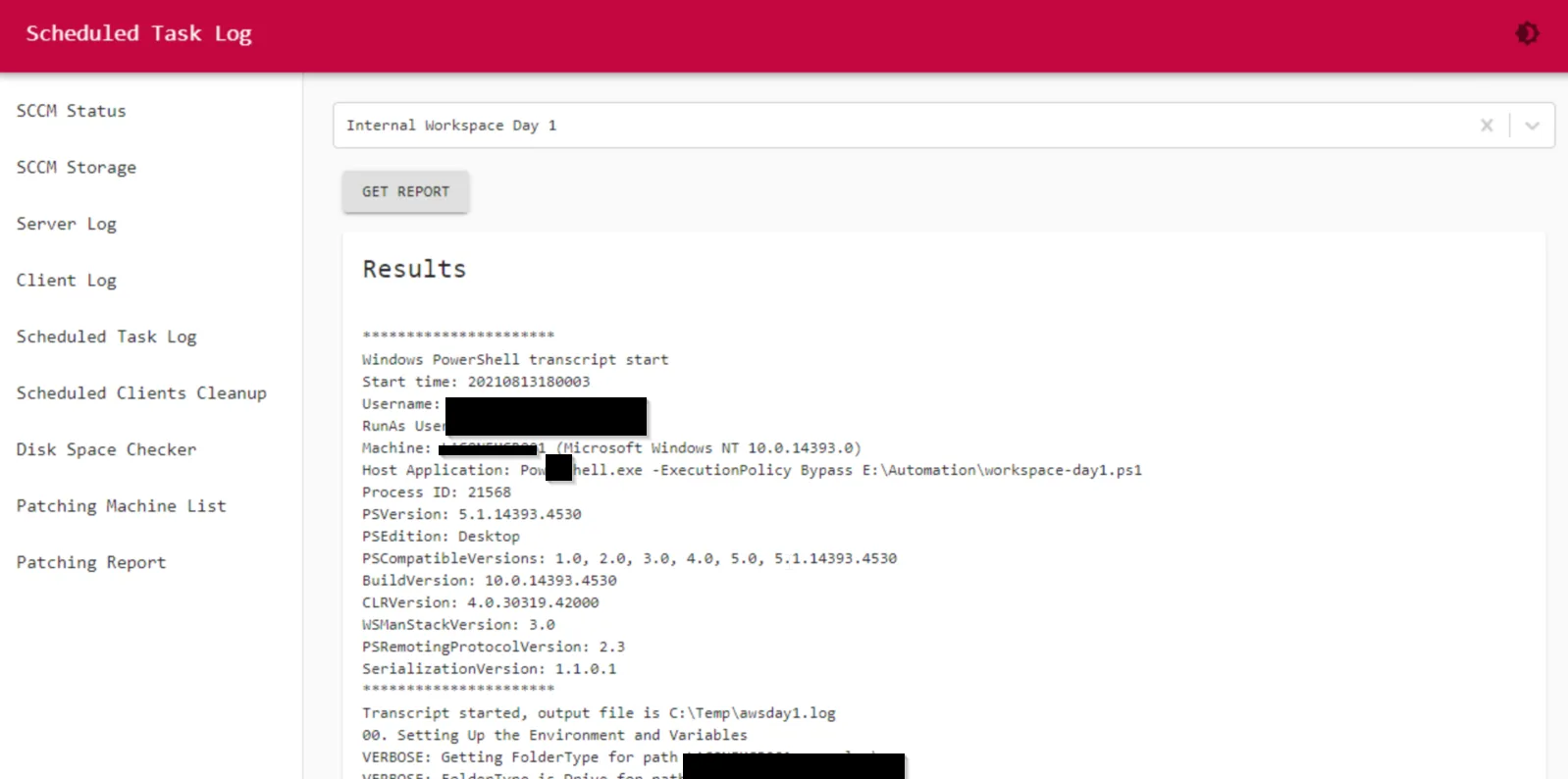
Powershell Script Running Result Log Viewer
I have lots of scheduled PowerShell script running regularly. This code will show all the Powershell running result log via webpage online.
-
Sep 3, 2021
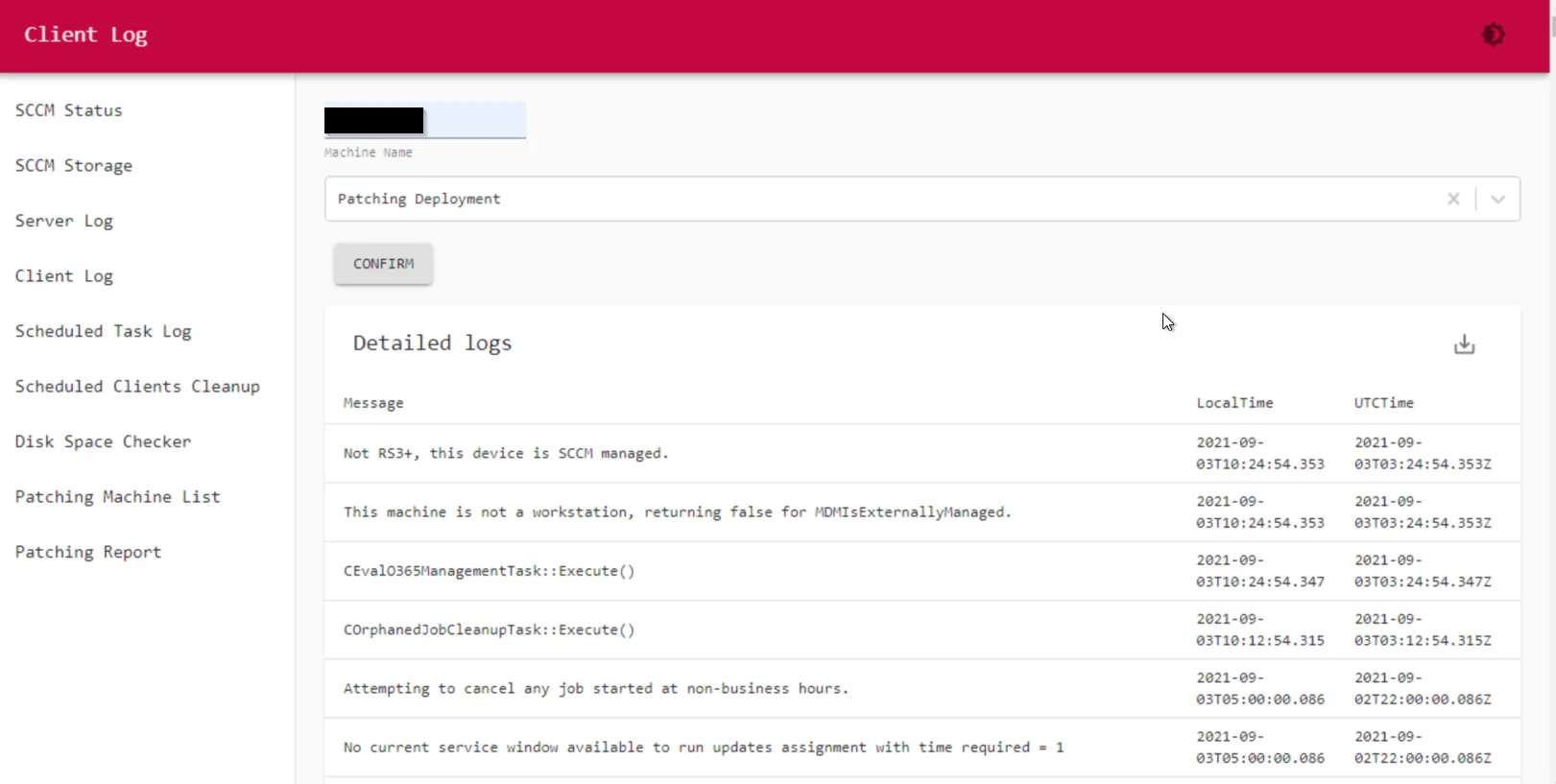
Online SCCM Client Log Viewer
This is one of my favorite code to run client log viewer online in an interactive way. Instead of use the CMTrace to see the client log, going through all the hoops, you can just type in client name...
-
Sep 3, 2021
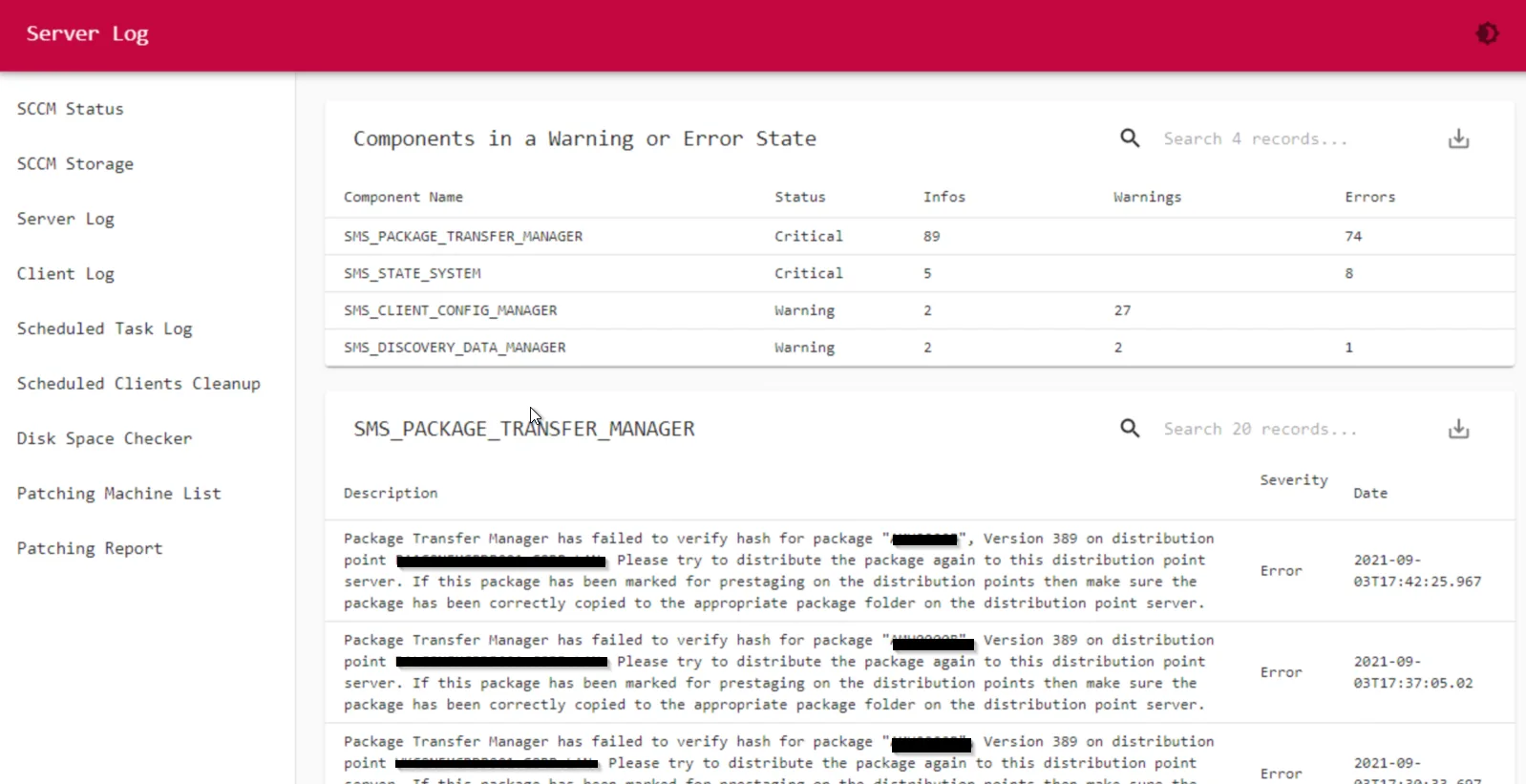
SCCM Component Log Viewer
This page will show all the detailed SCCM component logs if they are on warning or critical status. It requires PowerShell Universal to display the data on the website. ( You can also just use the...
-
Sep 3, 2021
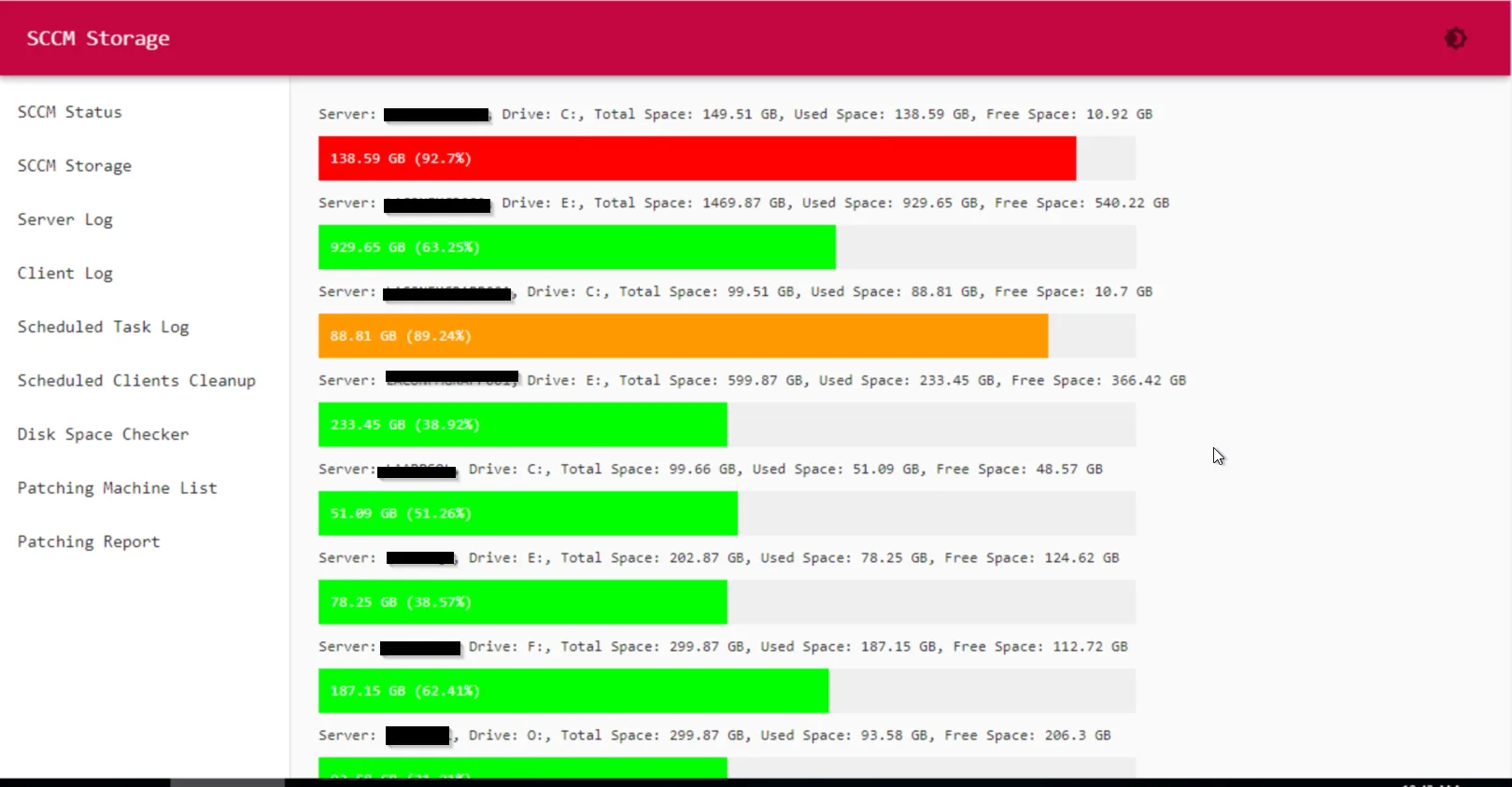
SCCM Server Storage Report
This page will show all the disk space info from all the SCCM servers. You just need to specify all the sccm servers you have in the parameters part in the PowerShell script. It will auto search all...
-
Sep 3, 2021
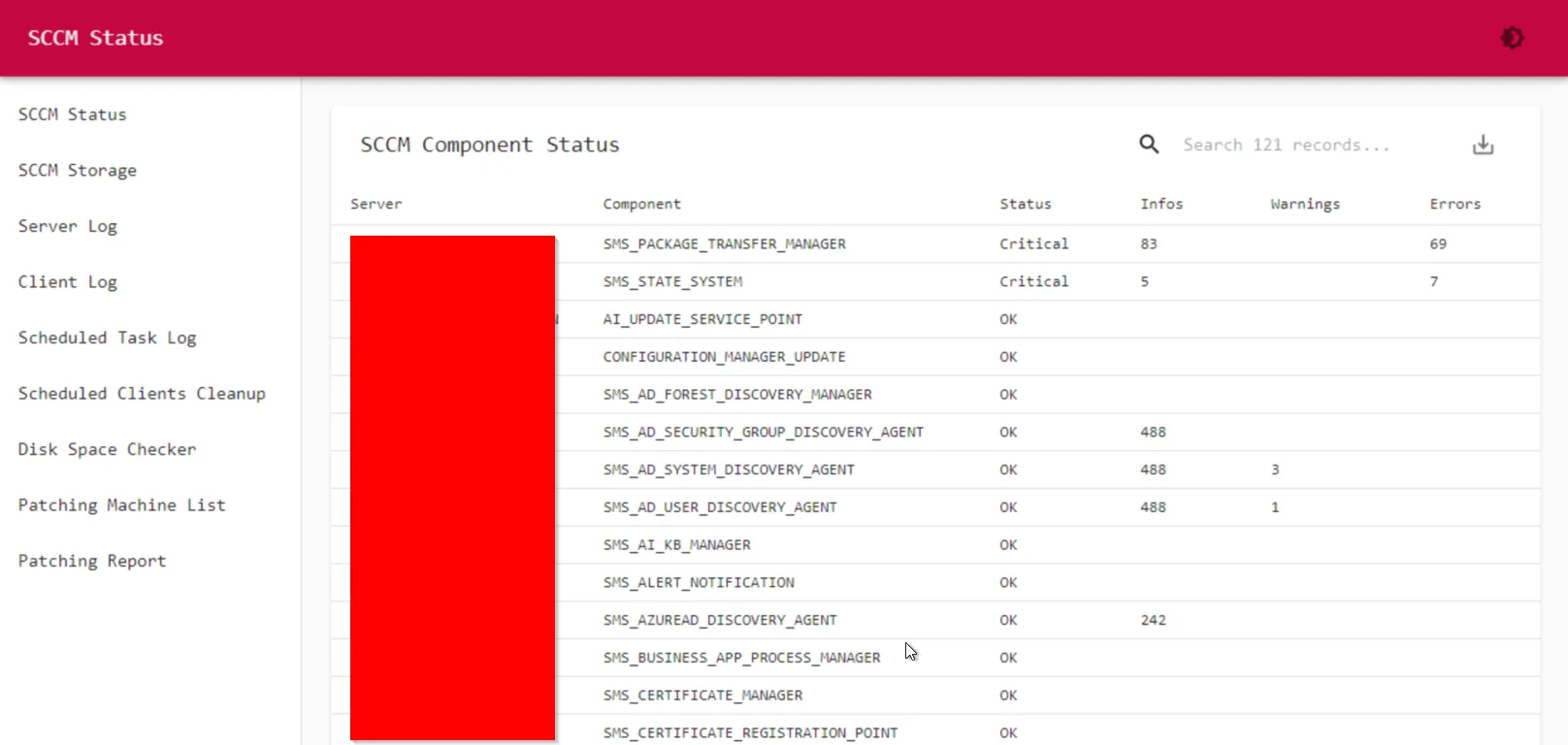
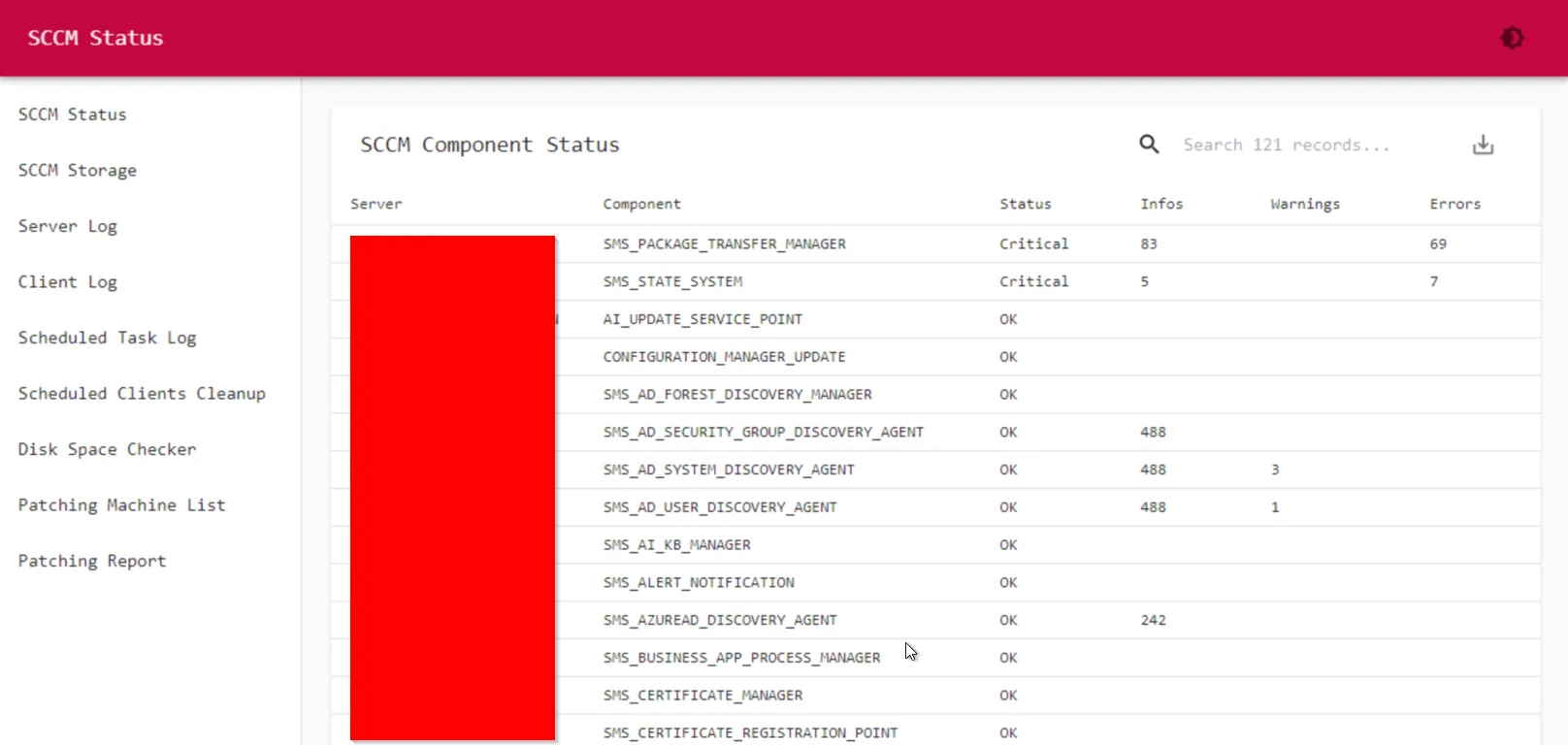
Overall SCCM Component Status
This page is to show all the SCCM component status.
-
Sep 3, 2021
Preventative SCCM Monitor and Troubleshoot Website
As a SCCM admin, you might have to check SCCM health on a regular basis, and troubleshoot lots of client issues. Normally I have to UNC into the client machine, goes into C:\Windows\CCM\Logs, and...