When Conditional Access Blocks a Sign-In From an IPv6 Address That Doesn't Exist
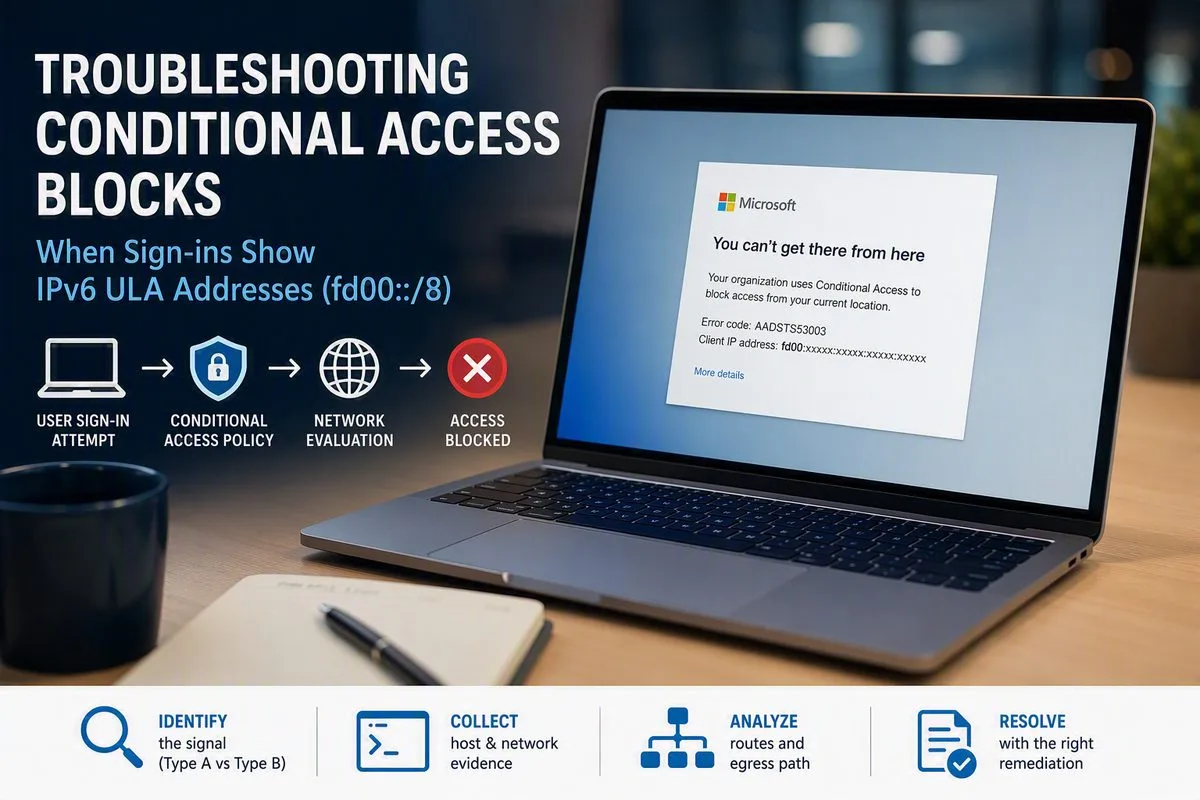
If you run Conditional Access with a network-location condition, sooner or later you’ll open a sign-in log and find a client IP that looks like this:
fd00:xxxx:xxxx:xxxx:xxxx:xxxx:xxxx:xx
The sign-in failed with AADSTS53003 – Access has been blocked by Conditional Access policies. The user is on a server that has IPv6 disabled. WHOIS returns nothing. Nobody can explain where the address came from.
I chased this across several unrelated incidents before the pattern became obvious. Here’s what’s actually happening and how to triage it quickly.
What that address is
fd00::/8 sits inside fc00::/7, the Unique Local Address (ULA) range defined in RFC 4193. ULAs are the IPv6 equivalent of RFC 1918 private space — 10.x, 172.16.x, 192.168.x.
Three consequences matter here:
- They are self-assigned. No RIR or IANA allocation, so WHOIS is empty by design.
- They are not routable on the public internet.
- They will never appear in Microsoft’s published Office 365 or Azure service tag IP ranges.
So the address doesn’t belong to Microsoft in any registry sense, and it doesn’t belong to you either. It’s an internal address that leaked into a log you’re using to make security decisions.
Why Conditional Access chokes on it
Conditional Access named locations accept public IP ranges only. You cannot add a ULA to a trusted location — and you shouldn’t want to, because ULAs aren’t globally unique. Trusting fd00::/8 would mean trusting any host anywhere that happens to present one. That’s not a whitelist; it’s an open door.
With no way to classify the address as trusted, an “off network” block policy evaluates the request as off-network and refuses token issuance. Hence 53003.
The part that takes longest to accept
For service-to-service and backend-brokered authentication, Entra ID logs the IP of the calling Microsoft service, not the originating client.
When your VM connects to a backend service — a managed database, a storage service — and that service then requests a token on your behalf, the token request originates inside Microsoft’s infrastructure. Entra records that hop. The address you see is Microsoft’s internal networking, not yours.
Microsoft Support confirmed this behaviour to me directly, along with the constraint that these addresses are non-routable and cannot be allow-listed.
The practical implication is the one people resist: there may be no fix on your side of the wire. You can spend a week on route tables and firewall policy and change nothing, because the address is generated after your traffic leaves your control.
Triage: is this fixable or not?
Two different problems produce near-identical sign-in log entries. Separating them early saves days.
| Type A — Unregistered egress IP | Type B — Microsoft-internal ULA | |
|---|---|---|
| Logged address | A real, routable public IP not in your named location | A non-routable ULA (fd00: / fde4:) |
| Cause | Egress device NATs to an address nobody whitelisted, or uses a multi-IP pool | Entra logs the calling service’s internal address |
| Host has routable IPv6? | Possibly | No |
| Fixable by your network team? | Yes | No |
Type A is common and boring: a firewall with two public IPs where only one was whitelisted, or a named location holding IPv4 ranges while traffic started egressing over IPv6. Both are real, both are fixable, both look superficially like Type B.
Step 1 — Pull the sign-in log details
Record the Correlation ID, Request ID, timestamp, Application, Resource, and client IP. Check the Conditional Access tab for which policy returned Failure, and the Device Info tab for Device ID and Join Type.
The Resource field is the tell. If the resource is a backend service rather than the app the user actually launched, you’re looking at a service-to-service token request — that’s Type B.
Step 2 — Validate the host’s IP stack
This is the decisive step. Run on the affected host:
# Does any routable IPv6 exist at all?
Get-NetIPAddress -AddressFamily IPv6 | Select IPAddress,InterfaceAlias,PrefixOrigin

# What source address and protocol actually reach Entra?
Test-NetConnection login.microsoftonline.com -Port 443 |
    Select SourceAddress,RemoteAddress,TcpTestSucceeded

# What's the next hop for that traffic?
$ip = (Resolve-DnsName login.microsoftonline.com -Type A |
        Where-Object {$_.QueryType -eq 'A'})[0].IPAddress
Find-NetRoute -RemoteIPAddress $ip |
    Select-Object IPAddress,NextHop,InterfaceAlias,RouteMetric
Reading the output:
- Only
fe80::(link-local) and::1(loopback), bothWellKnown→ the host has no routable IPv6 and cannot have generated the logged address. Type B. Stop here. - A global IPv6 address present → the host may genuinely be egressing over IPv6. Type A. Continue to Step 3.
Don’t bother with the registry workaround. Setting HKLM\SYSTEM\CurrentControlSet\Services\Tcpip6\Parameters\DisabledComponents to 0x20 to force IPv4 preference does nothing here — there’s no IPv6 stack to deprioritize. I’ve watched this get tried more than once.
Step 3 — Trace the egress path (Type A only)
- Check whether the VM has a public IP. Usually it won’t.
- Open the NIC’s Effective routes and read the next hop for
0.0.0.0/0. - If that blade throws an access error, you need
Microsoft.Network/networkInterfaces/effectiveRouteTable/action— a POST action that plain Reader doesn’t grant. Network Contributor covers it. As a read-only alternative, open the subnet and read its attached route table directly. - Next hop Virtual appliance → note the IP; that’s your firewall. Next hop Internet → the subnet is using platform default outbound SNAT, which is a shared non-deterministic pool you can’t reliably whitelist.
- Enumerate every public IP on that egress device. A firewall with multiple public IPs selects among them per-connection. Whitelist one and you get intermittent failures that look like gremlins.
- Check whether BGP route propagation is enabled — learned routes can silently override your static default.
Step 4 — Correlate against the firewall log
Take the host’s private IP and the exact failure timestamp to whoever owns the firewall. One question: at that moment, what source address did the firewall NAT this session to?
- Clean public IPv4 NAT at the firewall, ULA in the Entra log → introduced downstream, inside Microsoft. Type B confirmed.
- Unexpected or unregistered public IP → Type A, and now you know what to whitelist.
Fixes
Type A
Add every public IP on the egress device to the named location — and if any IPv6 egress exists, include the public IPv6 ranges. An IPv4-only named location will evaluate IPv6 traffic as off-network, which is a genuinely confusing failure mode.
Where egress is non-deterministic, the durable fix is a dedicated NAT Gateway or fixed egress IP for the subnet. One stable address, one entry, done.
Type B
No network or host fix exists. Microsoft’s supported options are:
- Exclude the principal from the network-restriction policy, or
- Redesign to Managed Identity — genuinely good advice for service-to-service flows, and completely inapplicable to an interactive user sign-in.
If you must exclude, don’t do it bare:
- Use a dedicated, documented exclusion group, never a direct single-user exclusion.
- Make membership time-bound (PIM for Groups) so it expires on its own.
- Apply a companion policy to that group requiring phishing-resistant MFA and sign-in frequency, offsetting the network signal you just removed.
- Document the exception where your exception review process will actually find it.
Worth checking: if your “off network” block and your MFA enforcement are separate policies, excluding an account from the former doesn’t drop MFA. The exclusion is narrower than it first appears — though still not something to leave standing indefinitely.
A third option people miss
If the blocked sign-in exists only to validate a software licence, consider removing the authentication requirement entirely — key-based activation instead of interactive sign-in, for example.
Subscription-licensed clients re-authenticate on a recurring cycle. That means a one-time exclusion doesn’t resolve anything; it defers the ticket by one refresh interval. If you find yourself writing an exception for a licence check, ask whether the check needs to happen that way at all.
Two constraints worth knowing before you start
Windows Server can’t be Entra joined. Pure Entra join is client-OS only. Server SKUs can be hybrid joined, and there’s an extension that lets you sign in over RDP with an Entra identity — but that extension doesn’t create a device object, so it contributes nothing to a Conditional Access device filter.
No device object means no device-based escape hatch. If the sign-in reaches Entra with no device identity, every device-filter exclusion you’ve written is unreachable and the policy falls straight through to the network condition. Check the Device Info tab before you spend time on join state.
The real lesson
The individual incidents each looked like a one-off. Different applications, different teams, different symptoms. Each got its own ticket, its own investigation, and its own scoped exclusion.
They were the same problem — workloads sharing one egress design, hitting one network-based policy, producing addresses from the same range. Nobody saw it because nobody compared the address formats across tickets.
If you’re granting a second exception for a failure that looks familiar, stop and diff it against the first. When the same pattern shows up three times, it isn’t three incidents. It’s one problem with a bad ticketing habit.
And more broadly: network-location conditions were designed for a perimeter that increasingly doesn’t exist. When cloud services broker authentication on your behalf, “where did this request come from” stops having a clean answer. Identity- and device-based controls degrade far more gracefully than IP allow-lists under that pressure.