SCCM LOG_Backup Full
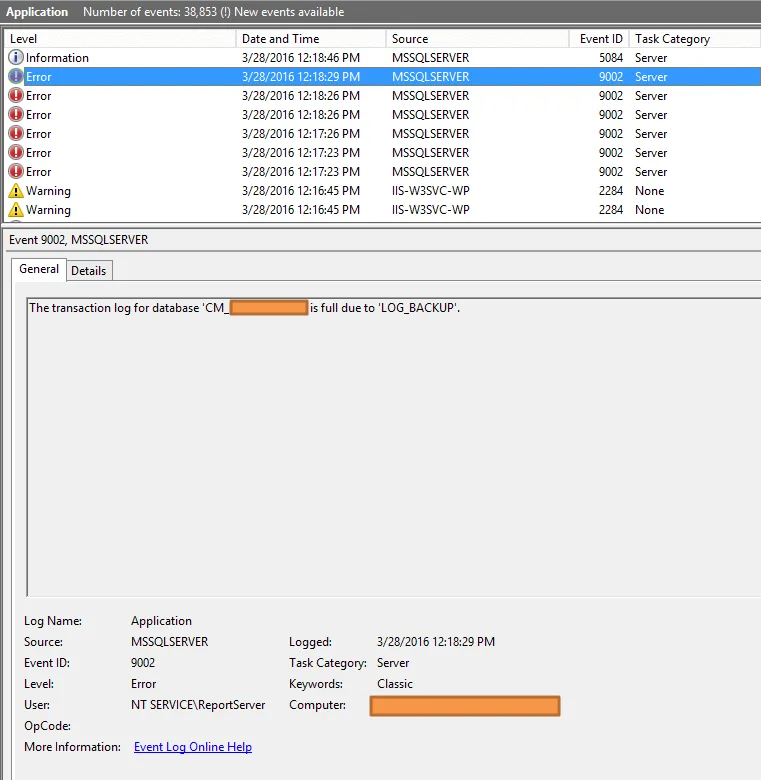
One day I found out the SCCM Server harddrive is full… and when I used a folder size software to find out the large files, I found out it is only because the SCCM Log_backup file (ReportServer_log.ldf )is over 440GB :)
So I followed this guide to set a limit for the log file:
http://henkhoogendoorn.blogspot.com/2013/09/shrink-sql-server-reporting-services.html?_sm_au_=iVV41Jn5rQvZLtss
Basically what you need to do is :
Start SQL Management Studio for that and expand Databases. Select the ReportServer database and rightclick on it. Choose Properties and Files and change Full recovery to Simple recovery first. Do a rightclick on the ReportServer database again and choose Tasks, Shrink and Files. Under “File type” select Log and click OK.